 drowsie
Bought on Amazon
Welcome to the new Drowsie.
It goes under your pillow and plays sound only you can hear. Use it with any app you like, tonight. Or add the free Drowsie app, and it runs your whole night for you.
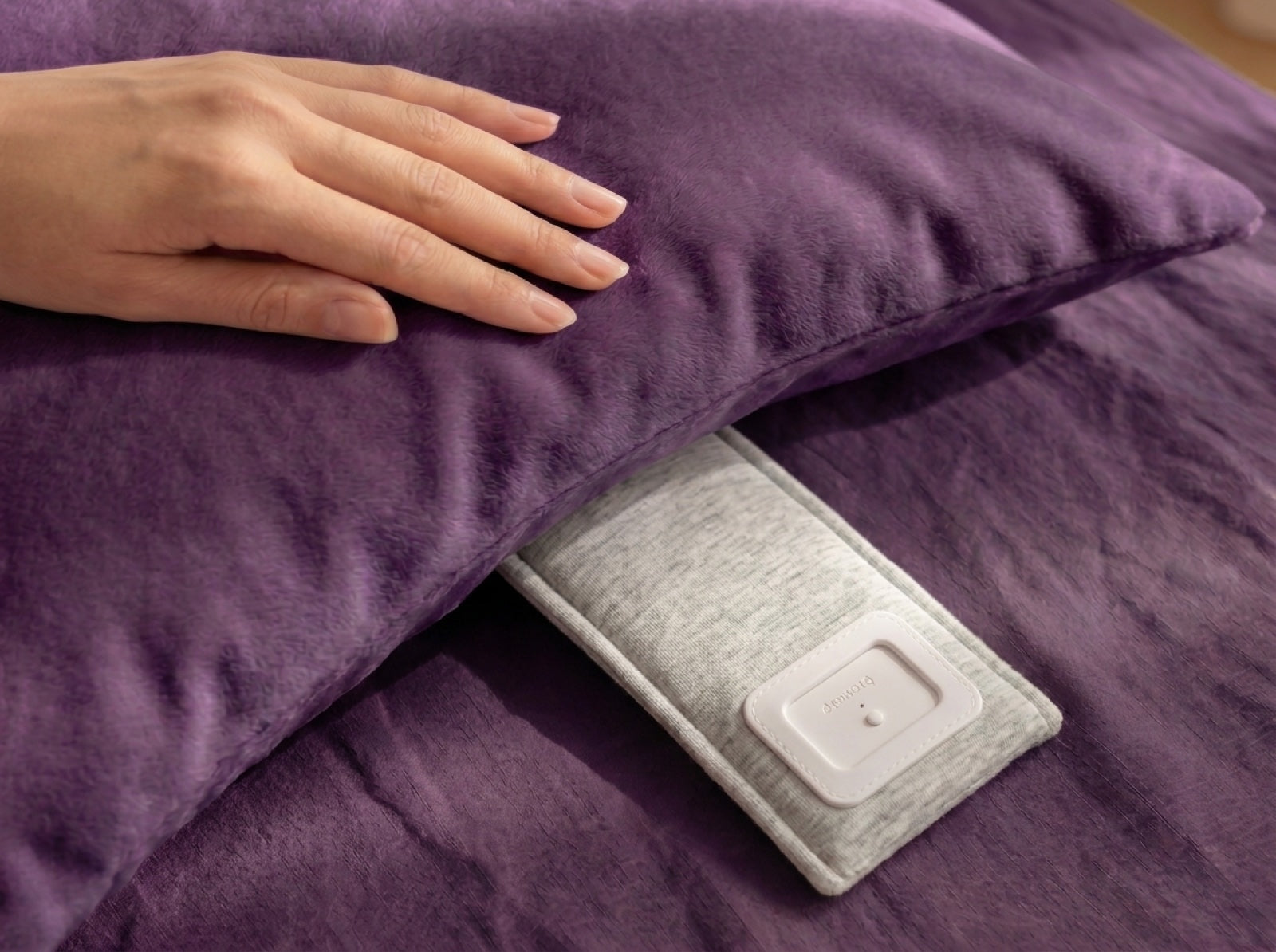
No app needed
It works straight out of the box.
- 1
Press and hold the button until the light comes on, then let go.
- 2
Pick Drowsie in your phone’s Bluetooth settings.
- 3
Play anything: Spotify, Audible, podcasts, your favourite sleep app. Slide it under your pillow, flat side down, where your ear rests.
Charge it when you’re not listening to it.
The Drowsie app
Add the app, and it runs your night.
Most sleep apps play on a timer, then stop for the night. Drowsie stays on all night, and gets to know you as it goes.
-
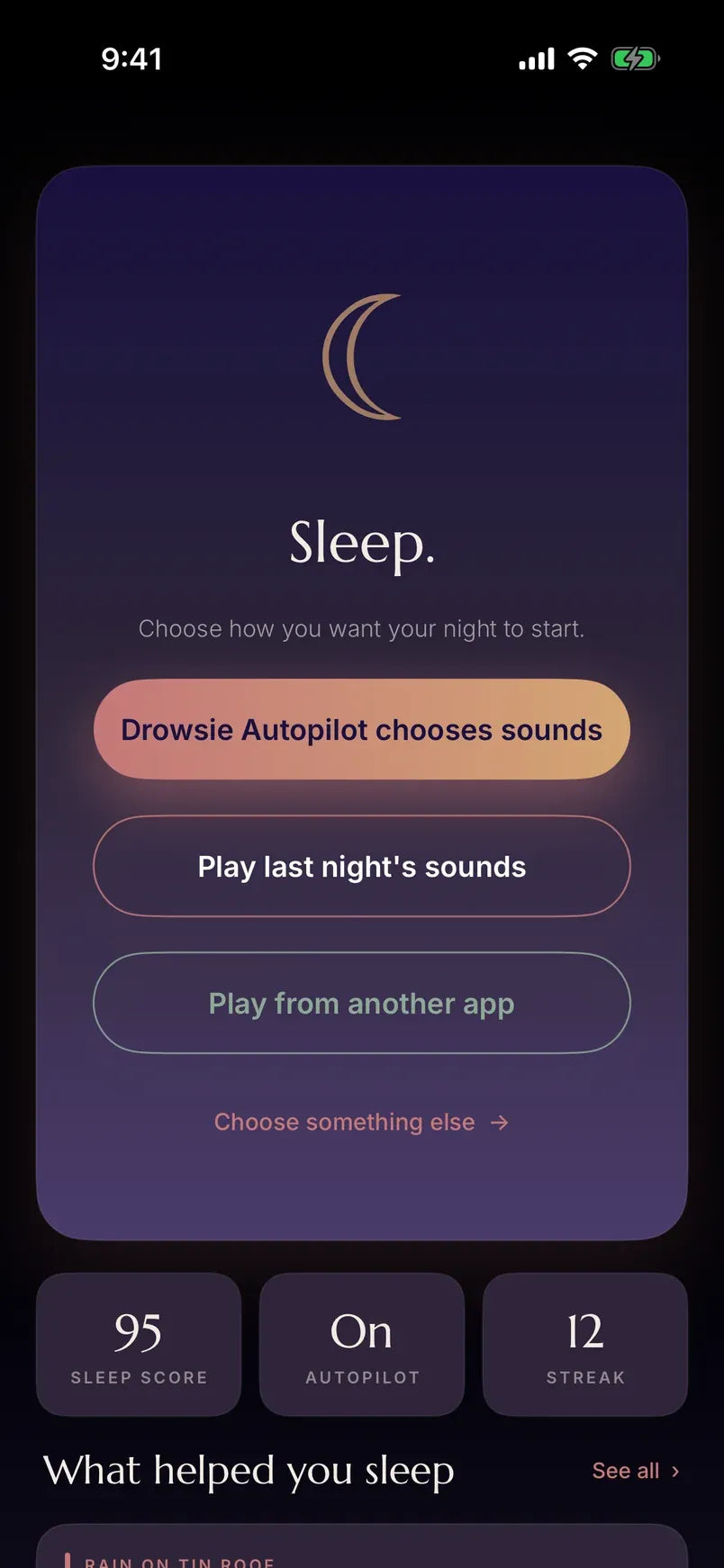
It picks the sound
Drowsie AI learns which sounds settle you, night by night. When you start to wake, it eases a sound in softly, plays while you settle, then fades out gently.
-
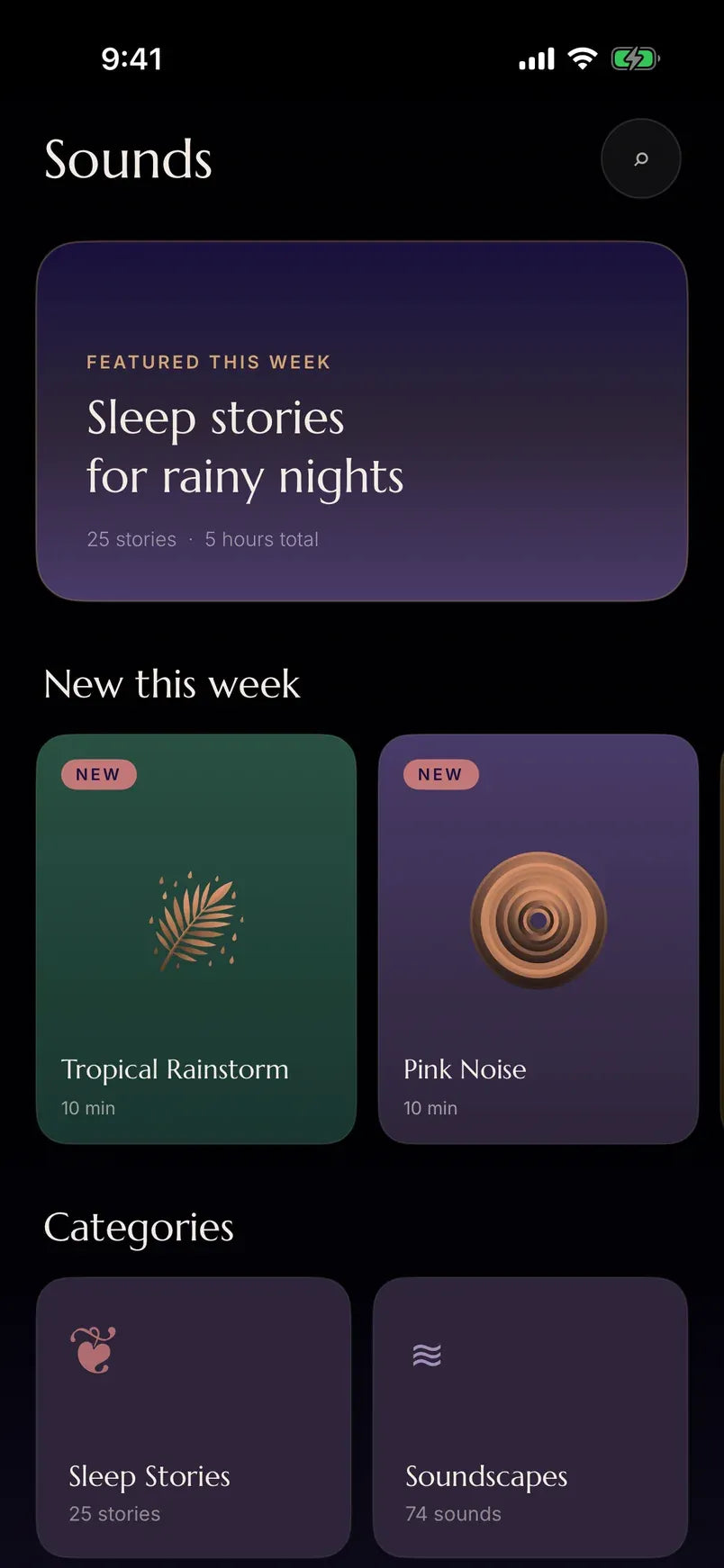
Or choose your own
Rain, pink noise, sleep stories and more. Or fall asleep to Spotify, a podcast, anything, and Drowsie takes over once you’re asleep.
-
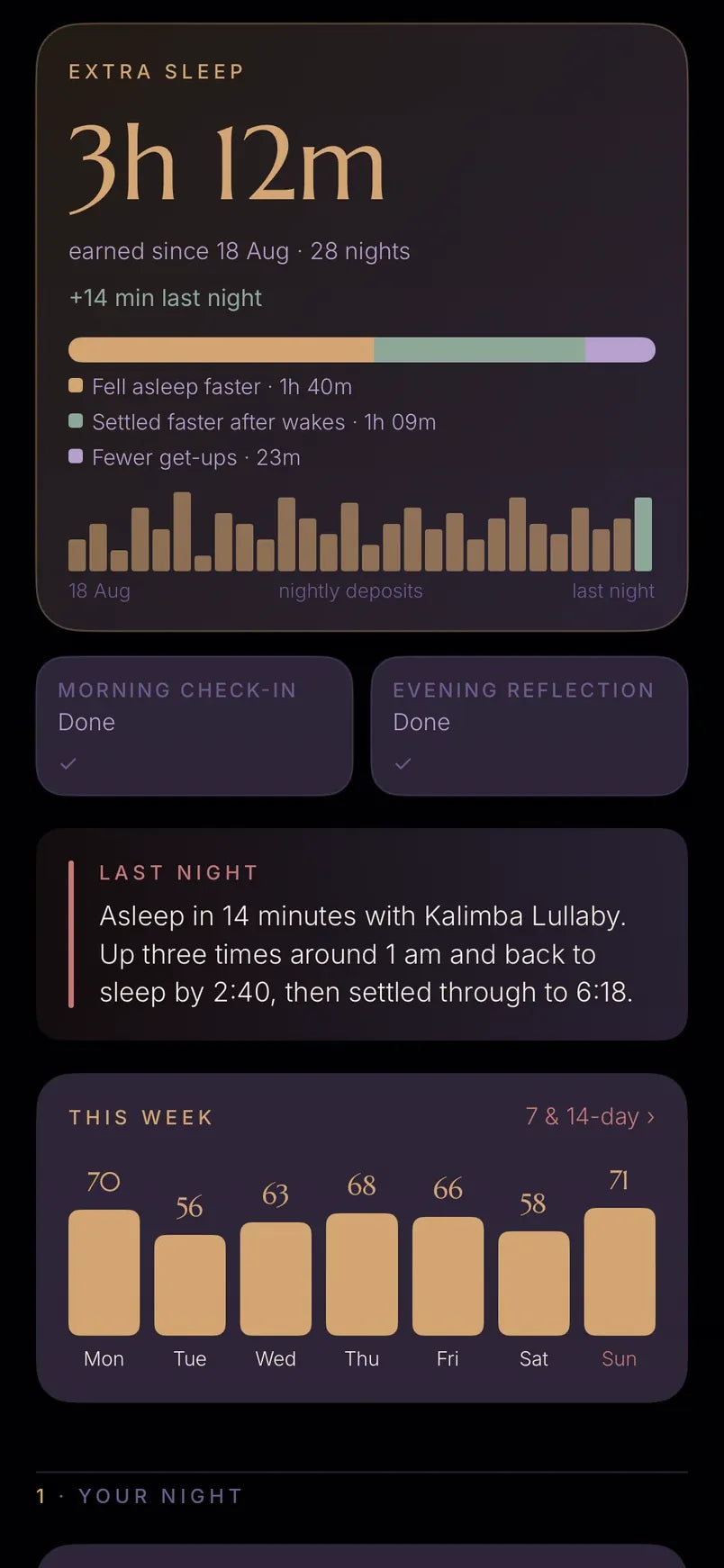
It shows you your night
From under your pillow it measures your breathing rate, heart rate and time asleep, and shows you what helped.
Included with your Drowsie
Your first 3 months of the app are free.
No card. No payment. Nothing to cancel.
Sign in with your email and connect your Drowsie, and the app unlocks automatically. No code to enter. Drowsie keeps working with any app you like, whatever you decide.
Get started
Three steps.
- 1
Download the Drowsie app.
- 2
Sign in with your email. No password to remember.
- 3
Follow the prompts to connect your Drowsie. That’s what unlocks the app. If the app offers an update, install it before you charge Drowsie for the first time.
Need a hand? Write to hello@drowsie.com and a real person will help.